
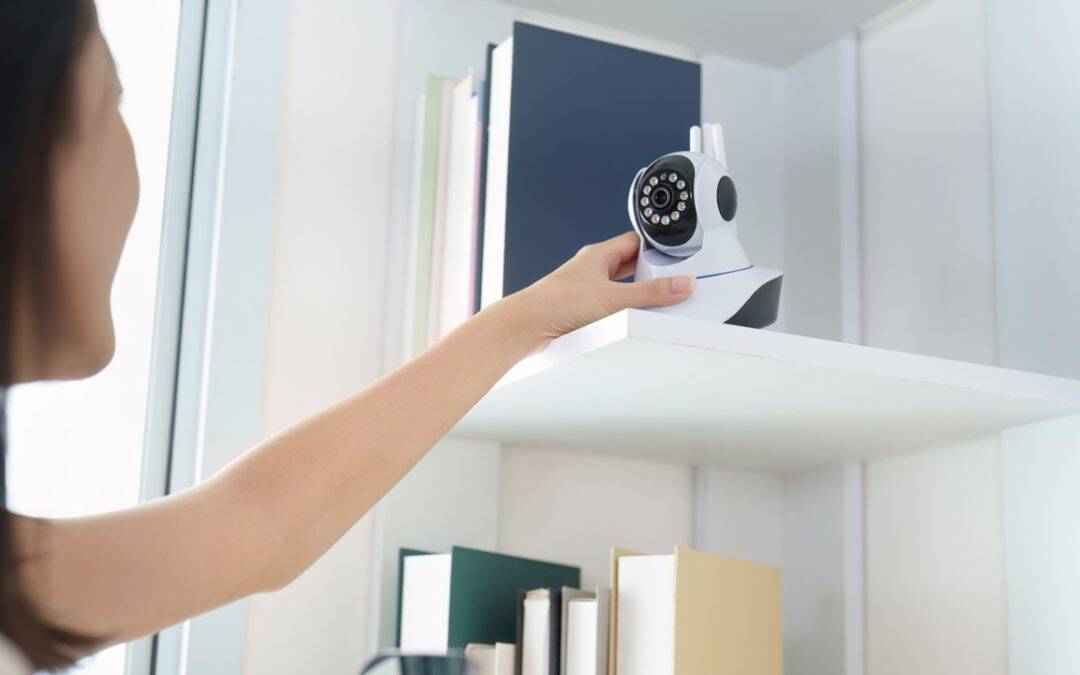
Beginner’s Guide to Home Security Cameras
If you’re starting from scratch with home security camera installation Austin, Texas, focus on a few high-impact devices you can add quickly: a doorbell camera, one or two Wi-Fi cams for key zones, and a simple app that ties everything together. This combo gives you eyes on the most common entry points without overcomplicating your setup—and protects your privacy when configured correctly.
Coverage
Begin with the “ABCs”: Approach, Backyard, Core entry.
- Approach: A doorbell camera captures faces, packages, and alerts you to motion.
- Backyard/side yard: A Wi-Fi camera aimed at gates or patio doors covers common secondary entries.
- Core entry (garage/interior): A cam on the garage or mudroom entry logs when family or service providers come and go.
Add interior cameras only if needed (nursery, valuables), and consider disabling audio/recording when you’re home to reduce noise and protect privacy.
Wiring vs. Wireless
- Wired (PoE): Reliable power and video over a single Ethernet cable, better for permanent installs and larger properties. Fewer battery swaps, higher video quality, but requires running cable and a network video recorder (NVR) or PoE switch.
- Wireless (Wi-Fi cams): Fast to deploy, flexible placement, and great for rentals or testing angles. Watch battery life and Wi-Fi strength; consider plug-in models to avoid frequent charging.
Most Austin homeowners start with Wi-Fi for speed, then hard-wire high-traffic zones later for stability.
Placement
Mount cameras 7–9 feet high, angled slightly down to capture faces without easy tampering. Avoid pointing directly at bright streetlights or sunrise/sunset angles that can wash out footage. Cover doorways, first-floor windows, and driveway first. For the doorbell camera, ensure a clear view of the porch and package drop zone; consider a wedge kit to fine-tune the angle if your door is recessed.
App Setup
Choose a brand with end-to-end encryption and granular privacy controls. Create separate accounts for family members, set activity zones to reduce false alerts (aim at the walkway, not the street), and calibrate motion sensitivity. Enable two-factor authentication and decide whether cloud storage, local storage (microSD/NVR), or both fit your privacy comfort level. Don’t forget to connect cams to the faster 2.4 GHz (range) or 5 GHz (speed) band according to distance.
3 Mistakes to Avoid
- Overlooking Wi-Fi strength: Weak signal = choppy video and missed events. Use extenders or mesh where needed.
- Bad angles and glare: Mount too high/low or into direct light and you’ll miss faces. Test live view before final mounting.
Ignoring privacy settings: Leaving default passwords and wide-open sharing invites security risks. Lock it down on day one.
Thank you for taking the time with me to learn more about what Mr. Done Right, the handyman / contractor does for you.
Sincerely,
Nathaniel Peterson
(AKA) Mr. Done Right
For more information on handyman or contractor work in the greater Austin area (or beyond), please contact your premiere handyman, Nathaniel Peterson, AKA Mr. Done Right Handyman Contractor of Austin, because Mr. Done Right ensures any repairs and/or remodels get Done Right the first time! Call us now for a free estimate! 512-659-8931
Online Marketing Powered by www.OnlineMarketingExperts.agency
* Click here to protect your privacy and safety on the Internet.
Recent Comments